MathWorks MATLAB R2020b v9.9.0 (x64) พร้อมวิธีติดตั้ง โปรแกรมคำนวณ
ดาวน์โหลด โปรแกรม MathWorks MATLAB R2020b v9.9.0.1467703 (x64) พร้อมวิธีติดตั้ง โปรแกรมคำนวณ สร้างแบบจำลองทางคณิตศาสตร์ ฟรี

ดาวน์โหลด MathWorks MATLAB R2020b (x64) พร้อมวิธีติดตั้ง โปรแกรมคำนวณ ล่าสุด
MATLAB R2020b (แมตแล็บ) เป็น ซอฟต์แวร์ในการคำนวณ และการเขียนโปรแกรม ที่มีประสิทธิภาพมากที่สุดในโลก ที่มีความสามารถครอบคลุมตั้งแต่ การพัฒนาอัลกอริธึม การสร้างแบบจำลองทางคณิตศาสตร์ และการทำซิมูเลชั่นของระบบ การสร้างระบบควบคุม และโดยเฉพาะเรื่อง image processing และ wavelet การสร้างเมตริกซ์ สามารถทำงานได้ทั้งในลักษณะของการติดต่อโดยตรง คือการเขียนคำสั่งเข้าไปทีละคำสั่ง เพื่อให้แมตแล็บประมวลผลไปเรื่อยๆ หรือสามารถที่จะรวบรวม ชุดคำสั่งเรานั้นเป็นโปรแกรมก็ได้ ข้อสำคัญอย่างหนึ่งของแมตแล็บก็คือข้อมูลทุกตัวจะถูกเก็บใน ลักษณะของแถวลำดับ คือในแต่ละตัวแปรจะได้รับการแบ่งเป็นส่วนย่อยเล็กๆ ขึ้น
โปรแกรม MathWorks MATLAB เป็นโปรแกรมสำเร็จรูปที่ใช้กันอย่างแพร่หลายในแวดวงของนักวิทยาศาสตร์ และวิศวกรในปัจจุบัน ถูกพัฒนาขึ้นมาเพื่อต้องการให้เราสามารถแก้ปัญหาตัวแปรที่มีลักษณะเป็นเมทริดซ์ได้ง่ายขึ้น เริ่มพัฒนาครั้งแรกโดย Dr. Cleve Molor ซึ่งเขียนโปรแกรมนี้ขึ้นมาด้วยภาษาฟอร์แทรน โดยโปรแกรมนี้ได้ พัฒนาภายใต้โครงการ LINPACK และ EISPACK
คุณสมบัติเด่น (Key Features)
- Data Analytics
- Wireless Communications
- Deep Learning
- Computer Vision
- Signal Processing
- Quantitative Finance and Risk Management
- Robotics
- Control Systems
- Live Editor Controls
- Language and Programming
- append Function: Combine strings
- MException class: Provide a suggested fix for an uncaught exception
- Functionality being removed or changed
- Data Import and Export
- Mathematics
- App Building
- Automotive
- Systems Engineering
- Simulink Onramp
- Stateflow Charts in MATLAB
- And more.
What’s new in MATLAB R2020b ?:
- MATLAB Web Apps
- Simulink Compiler
- Deep Learning
- Wireless Communications
- C/C++ Code Generation
- Automotive
- Signal Processing
- Autonomous Systems
- Verification and Validation
- Other bug fixes and improvements.
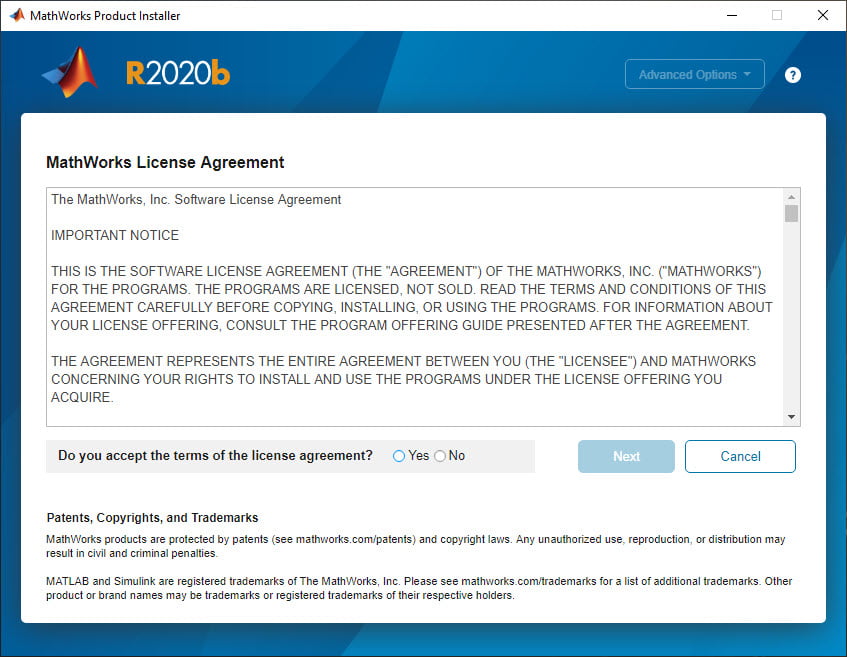
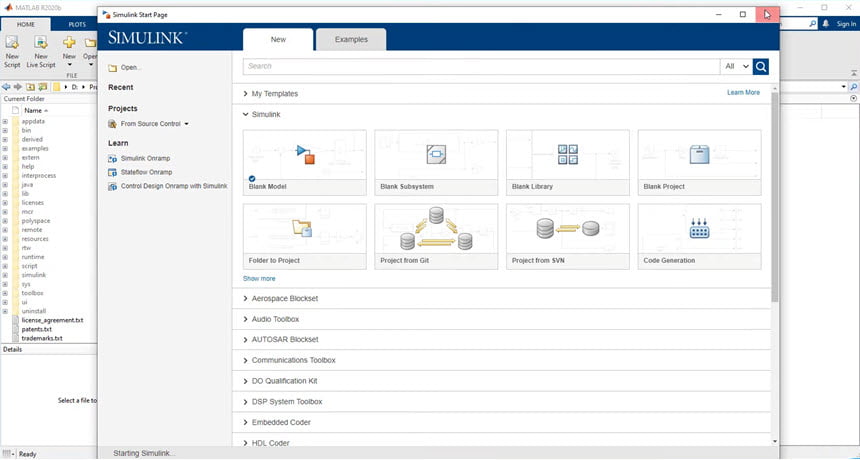
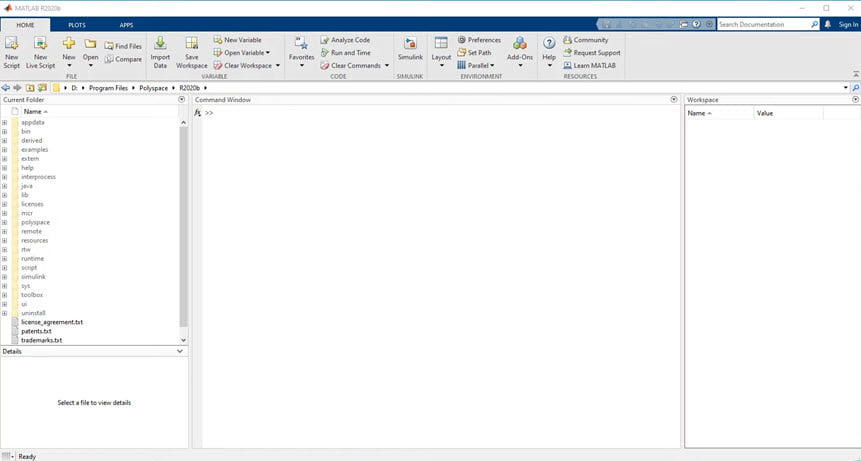
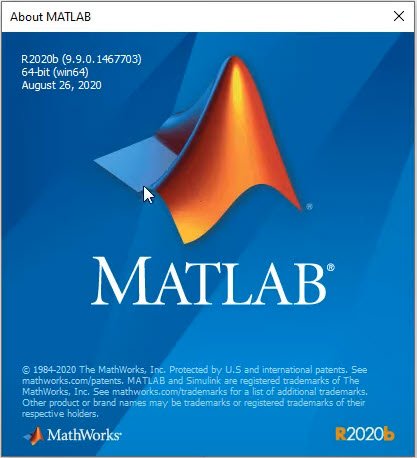
ภาพตัวอย่างโปรแกรม (Screenshots)
ความต้องการของระบบ (System Requirements)
Windows Server 2016, 2019 (64-bit – all editions)
CPU : Any Intel or AMD x86-64 processor with four logical cores and AVX2 instruction set support
RAM : 4 GB (Recommended: 8 GB)
HDD : 31 GB+
Display : 1024 x 768 pixels or Higher
GPU : OpenGL 3.3 with 1GB GPU memory is recommended.
ข้อมูลไฟล์ (File Info)
License : Trial
Software Version : R2020b v9.9.0.1467703
ชื่อไฟล์ : MWML.R2020b.v9.9.0.1467703.x64.part(1-5).rar
ขนาดไฟล์ : 20.7 GB 5GB / Part 5 Part
นามสกุลไฟล์ : *.rar
Server : Send.cm Google Drive
วันที่อัพโหลด : 27/03/2020
แก้ไขล่าสุด : 28/07/2023 แก้ไขลิ้งค์แล้ว
รหัสผ่าน : sbz
โปรดระวังโฆษณาเด้งไปหน้าอื่น เช็คชื่อไฟล์, ขนาดไฟล์ ก่อนดาวน์โหลดทุกครั้ง
ดาวน์โหลด
รหัสแตกไฟล์คือ sbz
วิธีดาวน์โหลด วิธีแก้ลิ้งค์เกินโควต้า
" This file is for trial/educational and non-commercial use only. Using non-genuine software may cause various problems to use this software without any problems Please purchase a genuine license from the official website. "