Lumion Pro 11.5 (x64) พร้อม VDO สอนติดตั้ง โปรแกรมเรนเดอร์ 3D
ดาวน์โหลด โปรแกรม Lumion Pro 11.5 (x64) พร้อม VDO สอนติดตั้ง โปรแกรมเรนเดอร์ จัดองค์ประกอบ 3D ฟรี

ดาวน์โหลด Lumion Pro 11.5 (x64) พร้อม VDO สอนติดตั้ง โปรแกรมเรนเดอร์ 3D
Lumion Pro 11 เป็นซอฟต์แวร์สำหรับการนำโมเดล 3 มิติ มาจัดองค์ประกอบและแสงเพื่อการเรนเดอร์ผลงานด้านสถาปัตยกรรมสำหรับมืออาชีพ นอกจากการตกแต่งโมเดล 3 มิติของคุณด้วยวัสดุและวัตถุที่มีในไลบรารี่แล้ว คุณสามารถคลิกเพื่อเลือกสไตล์ของภาพที่เหมาะสม สำหรับงานออกแบบทั้งภายในและภายนอกของคุณ โดยโปรแกรม Lumion Pro คุณสามารถปรับแต่งสไตล์ของภาพในแบบของคุณได้อย่างรวดเร็วกว่าที่เคย สามารถนำเข้าแบบจำลองของคุณจาก Revit, 3ds Max, SketchUp, AutoCAD, Rhino หรือ ArchiCAD และโปรแกรมสร้างแบบจำลองอื่น ๆ อีกมากมาย
โปรแกรม Lumion 11 เป็นซอฟท์แวร์สำหรับการเรนเดอร์ผลงานการออกแบบสถาปัตย์กรรม 3 มิติ ที่เร็วที่สุดสำหรับสถาปนิก ภายในไม่กี่วินาทีคุณสามารถเห็นภาพโมเดล CAD ในวิดีโอหรือภาพที่มีสภาพแวดล้อมจริงที่โดดเด่นได้อย่างมีประสิทธิภาพ นิยมใช้โดยนักออกแบบมืออาชีพ มาพร้อมกับอินเทอร์เฟซที่เรียบง่าย พร้อมด้วยเครื่องมือและฟังก์ชั่นในการใช้งานที่มีประสิทธิภาพมากมาย
คุณสมบัติเด่น (Key Features)
- Orthographic view
- Animated phasing (Pro only)
- Rain streaks (Pro only)
- Volumetric fire (Pro only)
- Micro shadows for spotlights
- Improved grass lighting
- Metallic car shader (Pro only)
- New objects (some Pro only)
- New materials
- OSM satellite maps (Pro only)
- Custom IES spotlights
- LiveSync for BricsCAD
- RAL color picker
- High-quality theater preview
- Artistic panorama effects
- Basic tutorials for new users
- Updated user interface
- Other workflow improvements
- Foundation change
- And more.
What’s New in Lumion 11 ?
- Orthographic View Effect
- Animated Phasing Effect
- Rain streaks
- Volumetric fire
- Micro shadows for Spotlights
- Improved grass lighting
- Metallic car shader
- New objects in the Object Library: 401 in total
- New materials and Effects Library
- Satellite maps in OpenStreetMap
- Custom IES Spotlights
- Lumion LiveSync for BricsCAD plug-in
- RAL color picker
- High-quality theater preview
- Artistic panorama effects
- Basic tutorials for new users
- Updated user interface
- Smooth workflow improvements
- Other new features & improvements
ภาพตัวอย่างโปรแกรม (Screenshots)
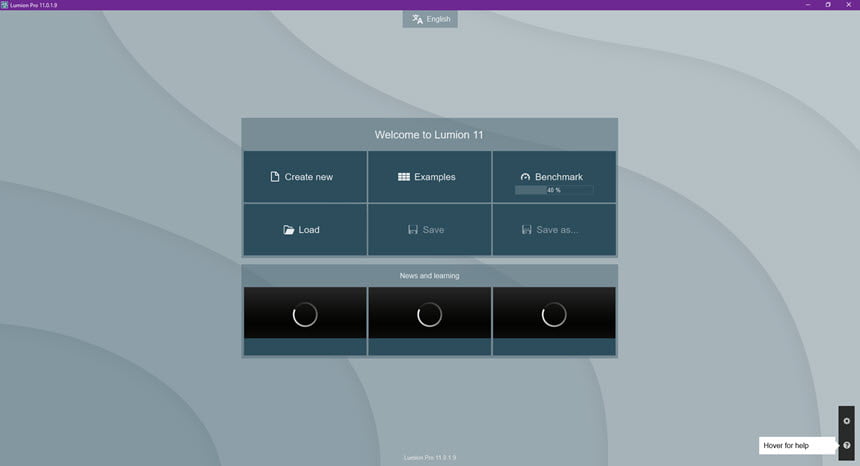
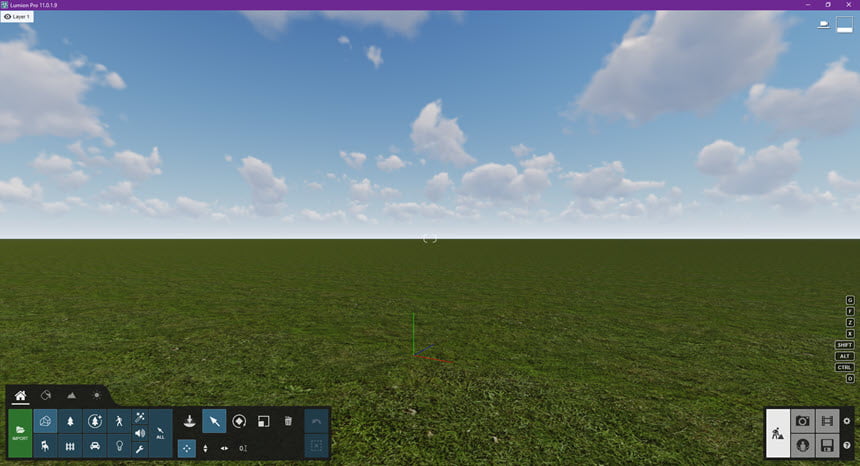
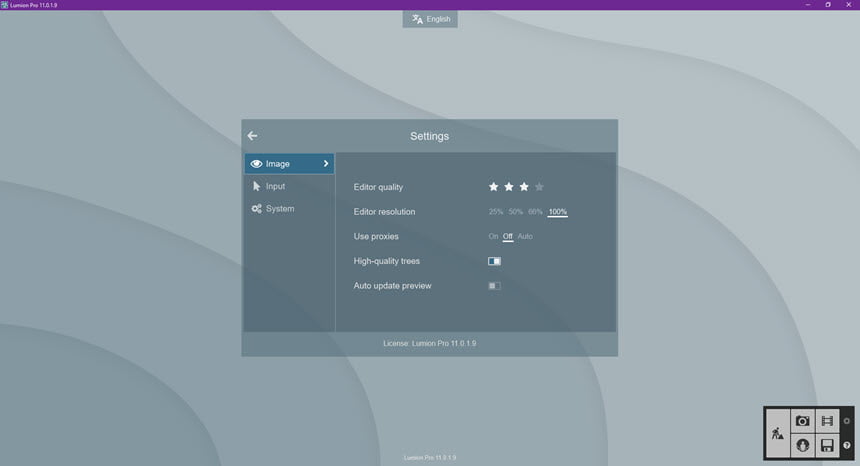
ความต้องการของระบบ (System Requirements)
Windows 10 (64-bit Only – all editions)
CPU : Intel/AMD processor scoring a single thread CPUMark of 2000 or higher. (Such as the AMD Ryzen 5 1500X, Intel Core i7-3770K or better)
RAM : 16+ GB or more
HDD : 40+ GB of free disk space
Display : 1920 x 1080 pixels or Higher
GPU : GPU scoring a G3DMark of 7,000 or higher with up-to-date drivers. (Such as the Nvidia GeForce RTX 1650, AMD Radeon RX 470 or better)
GPU RAM : 4 GB or more
Full System requirements
ข้อมูลไฟล์ (File Info)
License : Trial
Software Version : 11.5
ชื่อไฟล์ : LU11.5.x64.part(1-4).rar
ขนาดไฟล์ : 18.7 GB 5GB / Part 4 Part
นามสกุลไฟล์ : *.rar
Server : Google Drive
วันที่อัพโหลด : 07/11/2021
แก้ไขล่าสุด : 19/08/2023 แก้ไขลิ้งค์แล้ว
รหัสผ่าน : sbz
ดาวน์โหลด
รหัสแตกไฟล์คือ sbz
วิธีดาวน์โหลด วิธีแก้ลิ้งค์เกินโควต้า
" This file is for trial/educational and non-commercial use only. Using non-genuine software may cause various problems to use this software without any problems Please purchase a genuine license from the official website. "