Camtasia Studio 9.1.2 Build 3011 บันทึกหน้าจอ ตัดต่อวิดีโอ
ดาวน์โหลด โปรแกรม Camtasia Studio 9.1.2 Build 3011 โปรแกรมบันทึกหน้าจอ ตัดต่อวิดีโอ ฟรี

ดาวน์โหลด Camtasia Studio 9 ล่าสุด บันทึกหน้าจอ ตัดต่อวิดีโอ
Camtasia Studio 9 เป็นโปรแกรมสำหรับบันทึกหน้าจอ สามารถอัดหน้าจอและบันทึกเสียงจากไมค์สำหรับผลิตสื่อการเรียนรู้ และการสาธิตขั้นตอนต่างๆ ทำ e-learning หรืออัดวิดีโอในขณะที่เล่นเกมได้อย่างมีประสิทธิภาพ ประกอบด้วยเครื่องมือในการทำงานต่างๆ อย่างครบถ้วน เช่น บันทึกภาพ และเสียงบนจอภาพ ดูวีดิโอ จัดการและสร้างไฟล์วิดิโอ สามารถตัดต่อ และสามารถบันทึกเป็นไฟล์รูปแบบต่างๆได้.
Key Features :
- Add transitions, zooms and effects
- Animated backgrounds & graphics
- Captures shows, demos, and more.
- Customize your screen recordings
- Easy yet versatile video sharing
- Edit screen recordings and video
- Enhance your screen recordings
- Higher quality screen capture
- Import camera video, photos, etc.
- And more.
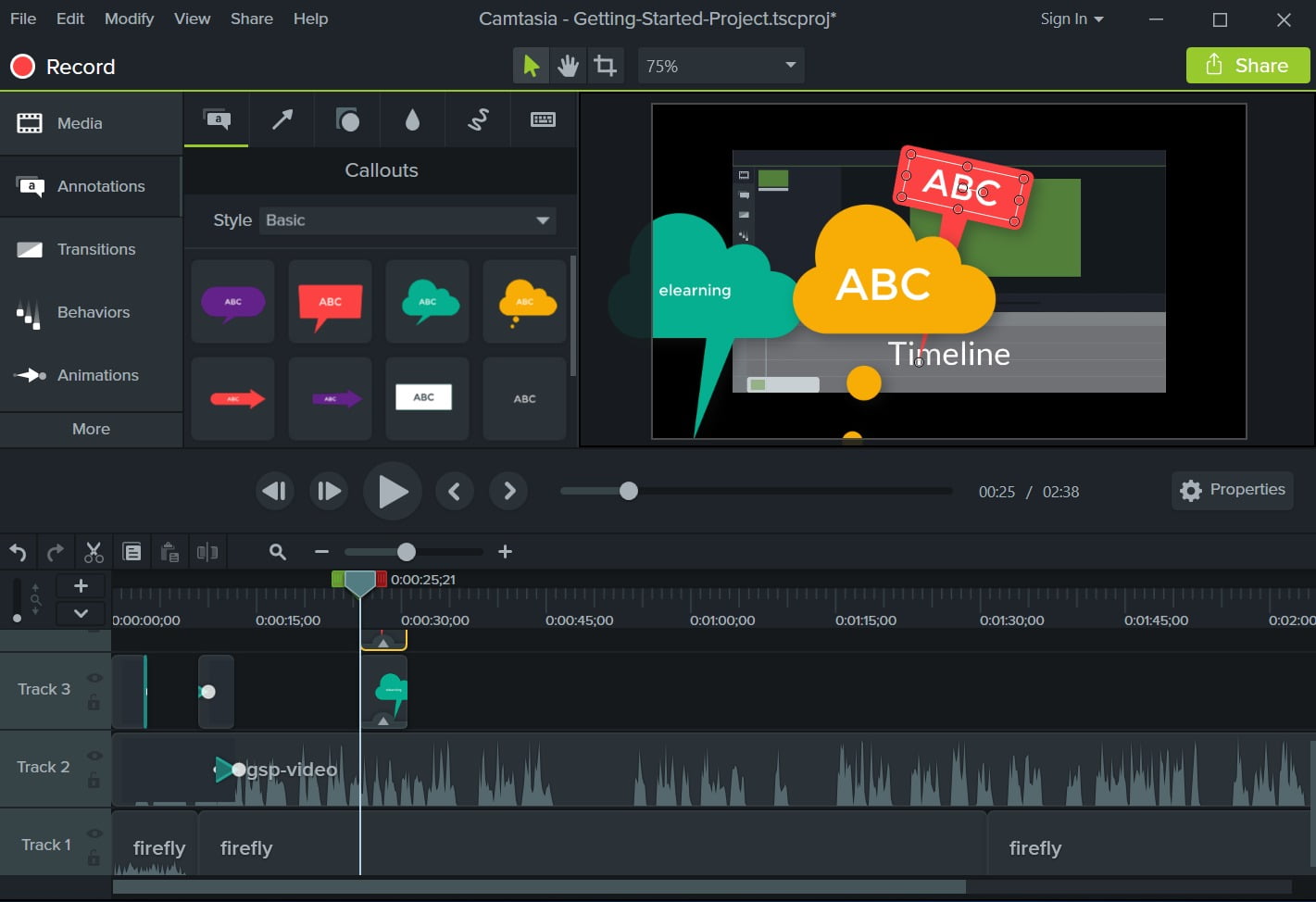
ภาพตัวอย่างโปรแกรม (Screenshots)
ความต้องการของระบบ (System Requirements)
Windows 7/ 8/ 10 (64 Bit versions only)
2 GHz multi-core processor
4 GB RAM or Higher
2 GB disk space
1024 x 768 display
DirectX 9
Microsoft .NET 4.6.0 or later version (included)
2 GHz multi-core processor
4 GB RAM or Higher
2 GB disk space
1024 x 768 display
DirectX 9
Microsoft .NET 4.6.0 or later version (included)
ข้อมูลไฟล์ (File Info)
Official Website : www.techsmith.com
License : Trial
Software Version : 9.1.2 Build 3011
ชื่อไฟล์ : TS.CTS.9.1.2.Build.3011.x64.rar
ขนาดไฟล์ : 365 MB
นามสกุลไฟล์ : *.rar
Server : Send.cm Google Drive
วันที่อัพโหลด : 29/08/2019
แก้ไขล่าสุด : 26/08/2022 แก้ไขลิ้งค์แล้ว
รหัสผ่าน : sbz
License : Trial
Software Version : 9.1.2 Build 3011
ชื่อไฟล์ : TS.CTS.9.1.2.Build.3011.x64.rar
ขนาดไฟล์ : 365 MB
นามสกุลไฟล์ : *.rar
Server : Send.cm Google Drive
วันที่อัพโหลด : 29/08/2019
แก้ไขล่าสุด : 26/08/2022 แก้ไขลิ้งค์แล้ว
รหัสผ่าน : sbz
ดาวน์โหลด
รหัสแตกไฟล์คือ sbz
วิธีดาวน์โหลด วิธีแก้ลิ้งค์เกินโควต้า
" This file is for trial/educational and non-commercial use only. Using non-genuine software may cause various problems to use this software without any problems Please purchase a genuine license from the official website. "